After years of working within IT and having a very simple infrastructure at home, I decided to invest in some equipment in 2020 so I could have a proper infrastructure and my own HomeLab.
What triggered this decision was probably de COVID pandemic, the extra free time I had to expend at home and the months my family and I had to spent working/studing from home.
I had some requirements when I started planning for this:
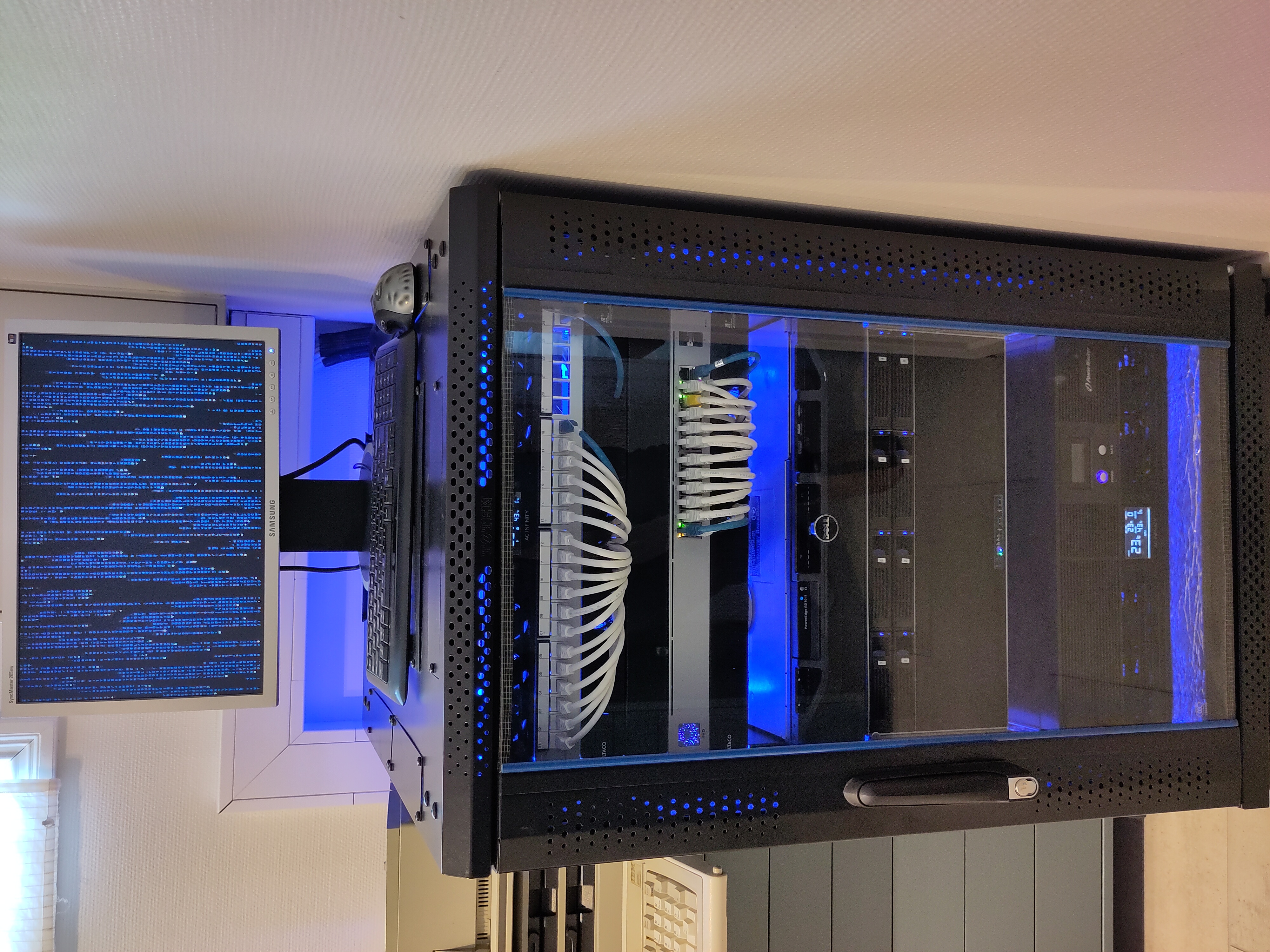
All the equipment installed in a rack.
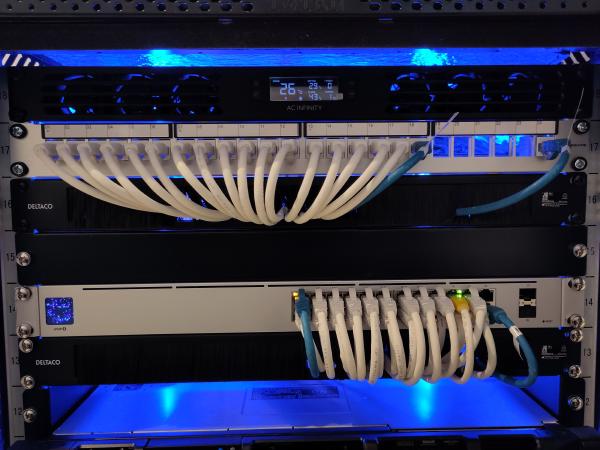
A network infrastructure that could be able to cope with the bandwidth, speed and stability requirements needed by several workplaces, with multiple video conferences, VPNs, online school solutions, PCs, mobile phones, etc running concurrently, and from anywhere on the 3 floors of my house.
HomeLab installed
A server where I could run multiple virtual machines for my home services and testing.
More control of what was happening in my network, be able to segment the network into different VLANs and have a proper router/firewall to control the internal traffic and the traffic from/to Internet.
Access to my home infrastructure from Internet in a secured and controlled way.
As low power consumption as possible.
As low noise level as possible.
Advance functionality without spending more money than necessary in all this.
After several weeks reading, thinking and planning, I started building and realizing this project and in these pages you have information about the process, the components, why they were chosen and how they are used.
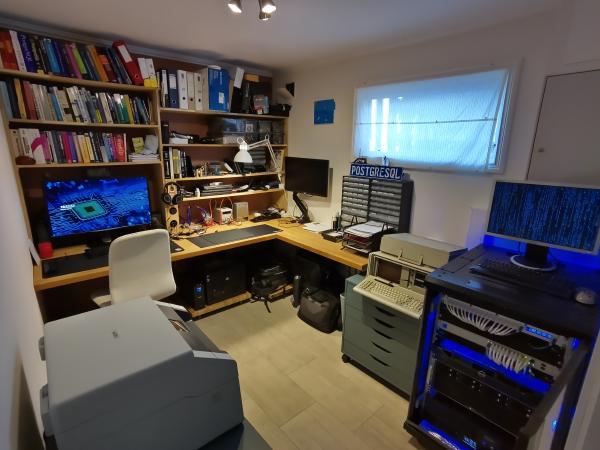
I needed a place to have the HomeLab and my own Home Office/Lab. After all, they sent us to work from home and couldn’t go to the office or school for months because of the COVID pandemic.
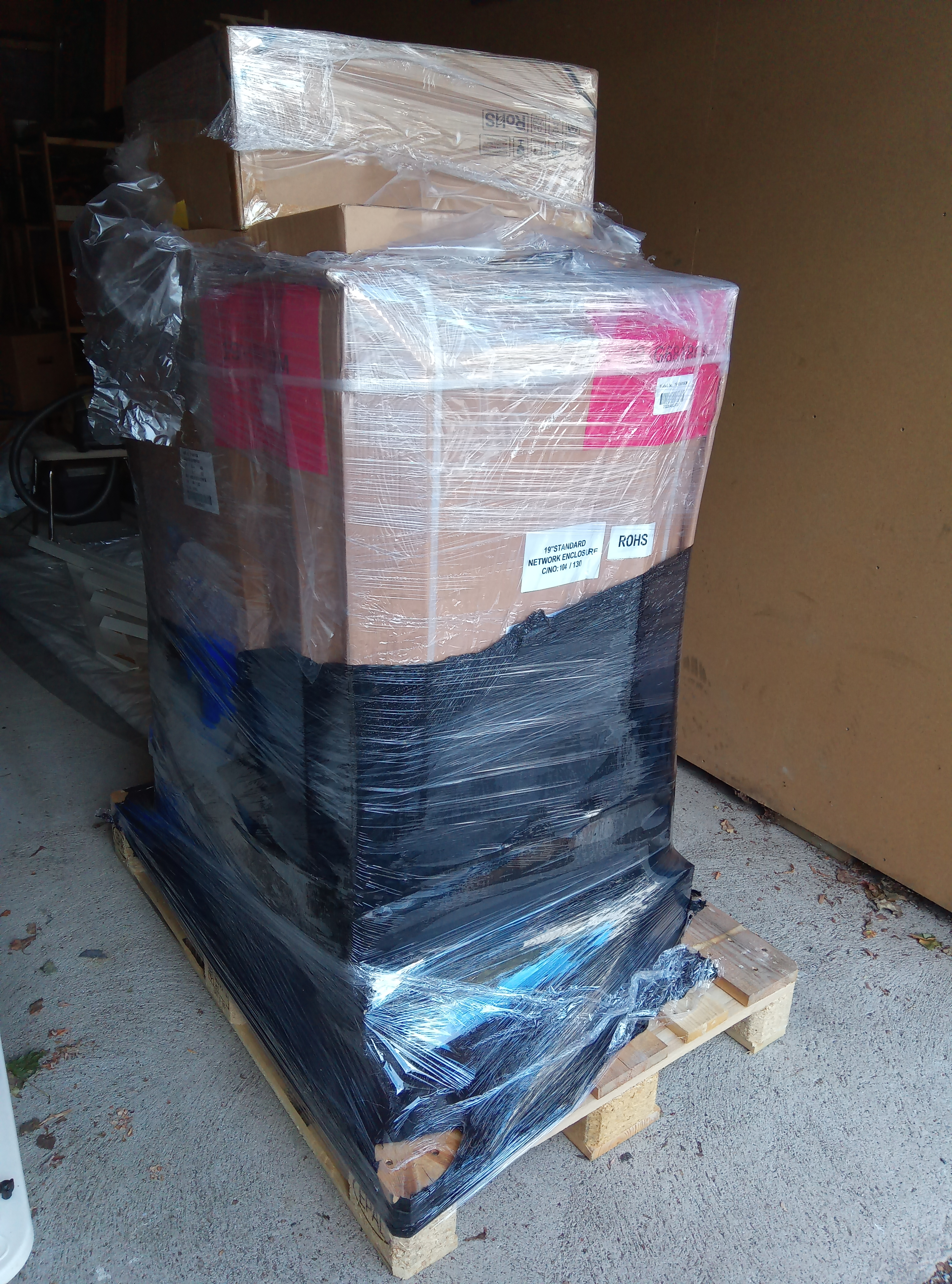
A 19-inch rack is a standardized frame or enclosure for mounting multiple electronic equipment modules. Each module has a front panel that is 19 inches (482.6 mm) wide.
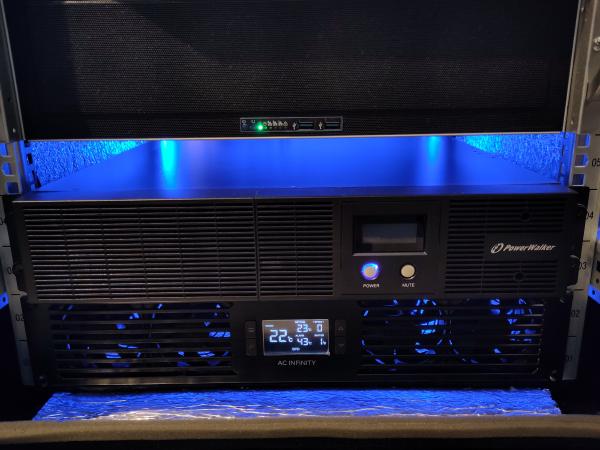
One of the components one should have in a HomeLab is an UPS (Uninterruptible Power Supply). An UPS will protect your HomeLab when the input power source or mains power fails, giving you time to save your data/work and shutdown your HomeLab without data lost or data corruption.
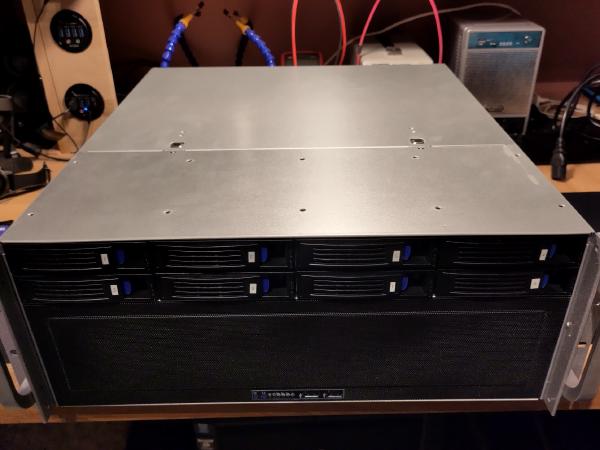
The Linux KVM server is one of the central components in the HomeLab. The server was going to run KVM[^k] and all the virtual machines in my HomeLab so I spent some time trying to find out a good balance between number og CPU cores, memory size and fast storage before I decided what I needed.