
History #
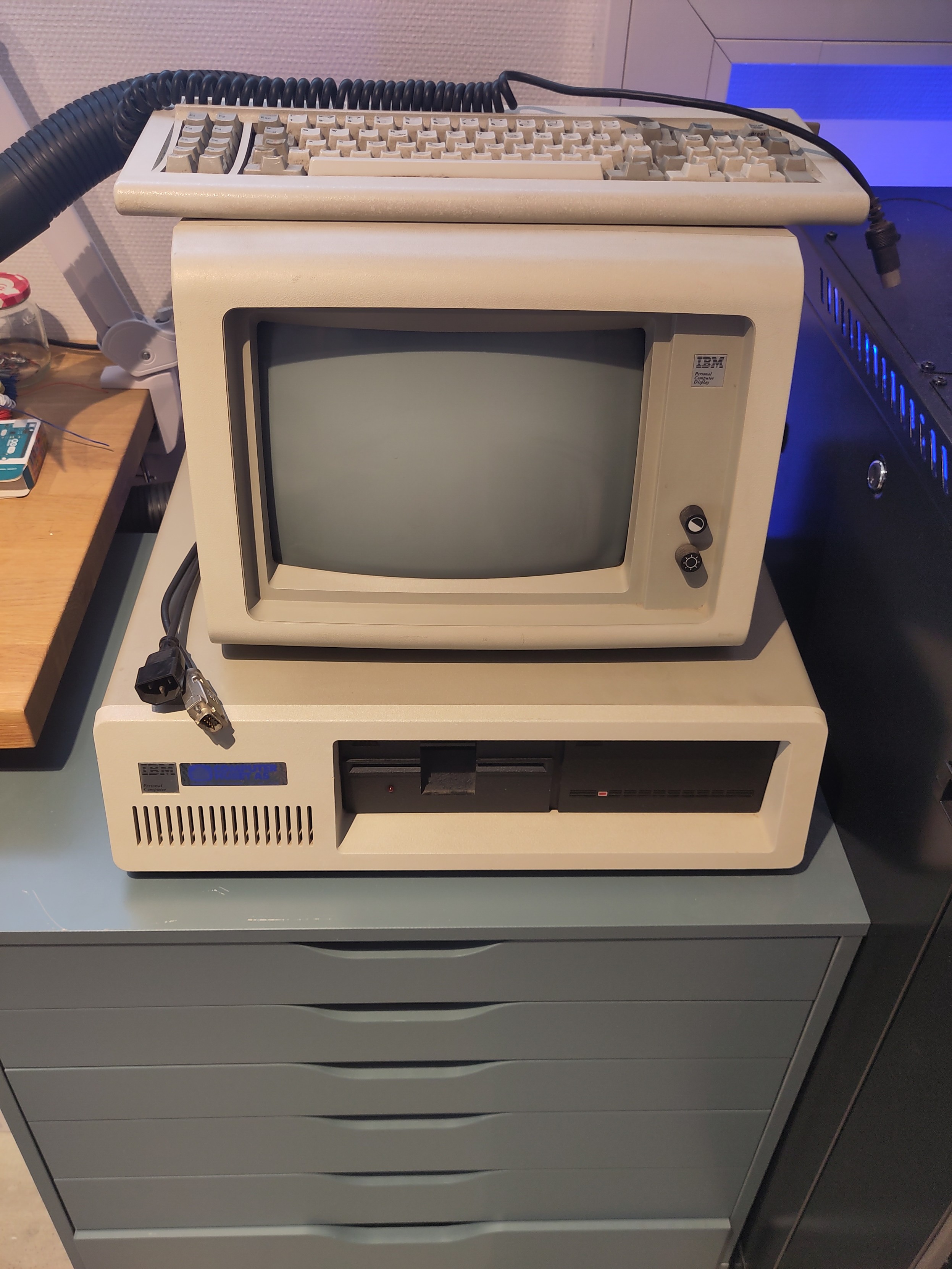
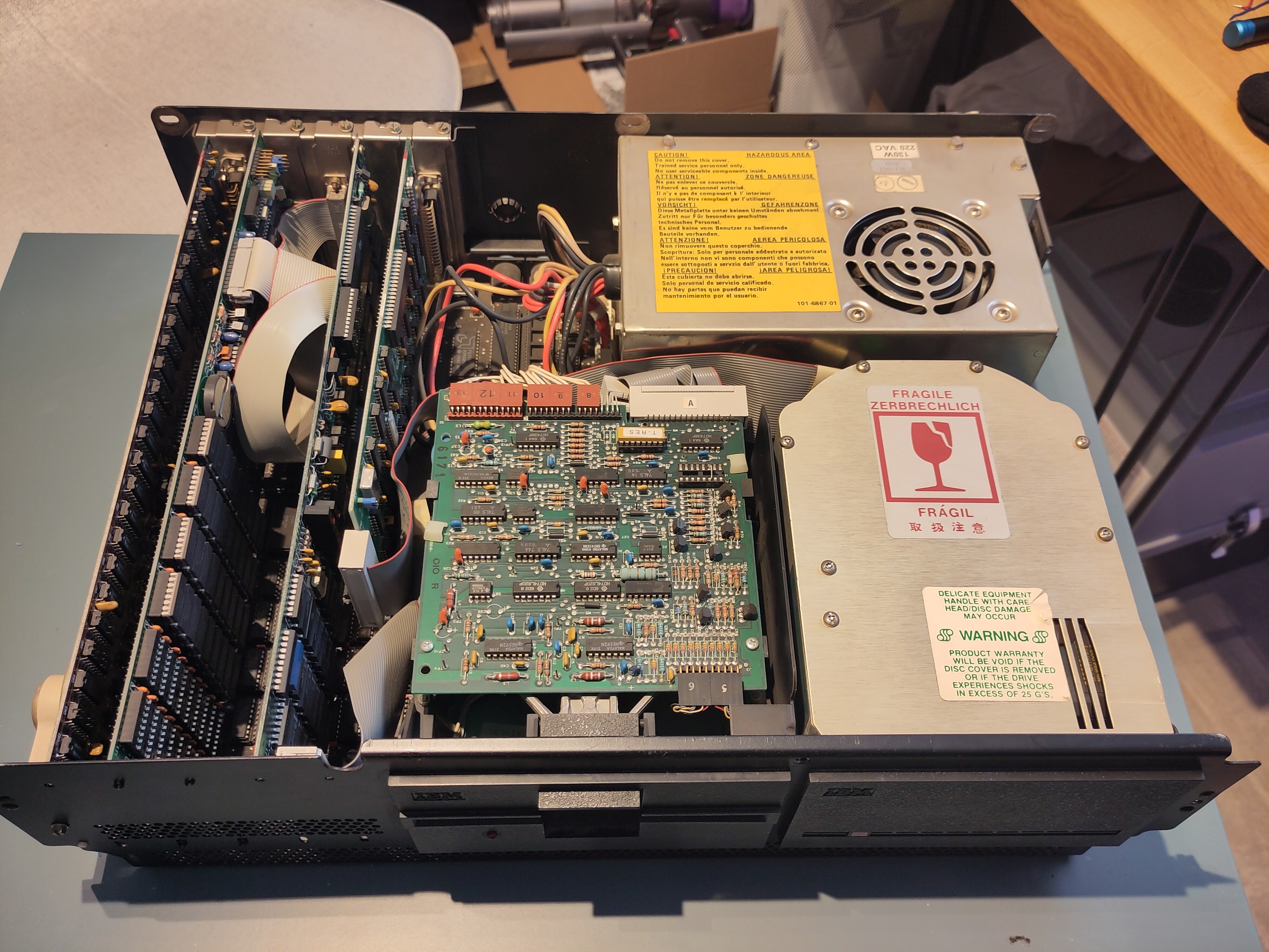
I acquired my IBM 5150 from a bankruptcy estate, discovering it in the depot of the now-defunct Ring Mekanikk factory in Moelv, Norway. The factory was in the process of being dismantled when I made the trip to pick up this piece of computing history. Despite its years in storage, the 5150 is in surprisingly good shape. There’s no corrosion, and all the original components, including the keyboard and monitor, are intact.
Original Status #
While the power supply starts up, the rest of the machine remains unresponsive.
Current status #
Machine remains unresponsive
Specifications #
- Model: IBM 5150 / SN:
- Motherboard: -
- CPU: Intel P8088 (‘78 ‘81) L3309985 / 4Mhz
- RAM: 256Kb
- Floppy drive: 5 1/4
- Harddisk: Yes
- Monitor: IBM 5151002 / SN:1131102
- Keyboard: IBM INDibm 5150o :515X-55-J6952 / PartNo: 4733200 (NO)
- Power supply: 130W
- Graphic Card: -
- Disk Controller: -
- Floppy Disk Controller: -
Troubleshooting #
This is the procedure I have used to troubleshoot this computer:
-
Disconnect the power supply P8 / P9 connectors to the motherboard and measure voltage values with a multimeter.
Result: Normal values within specifications +4.90V, 11,98V, -12V -
Measure continuity between pins 5,6,7,8 (GND) and pins 1,2,3,4,9,10,11,12 in P8/P9 on the motherboard.
Result: Short circuit on pins 10,11,12 (5V) -
Disconect all cards connected to the ISA bus.
-
Measure continuity between pins 5,6,7,8 (GND) and pins 1,2,3,4,9,10,11,12 in P8/P9 on the motherboard.
Result: Short circuit on pins 10,11,12 (5V). Short circuit present on the motherboard. -
Measure System Board Resistance according to specifications in fig.5 / page: 0020-09 of the “MAP 0020: Power Start” in the “IBM Hardware Maintenance Service Manual part number 6280087”
Result: Feil values on pins 10,11,12.